

Internet Banking
Objective:
To enable Prime Bank customers to perform banking transactions without having to physically go to a Prime Bank branch.
Requirements:
To use the Prime Bank Online Banking platform (Prime Net), you must be an account holder of Prime Bank and must be registered on Prime Net.
Mode of Access:
A user can access the platform by using a PIN or a token of which either is provided by the bank upon successful creation in the system.
Services & Features
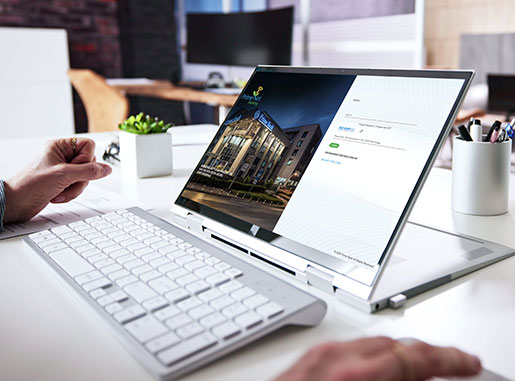
- Account Balance - User is able to view their current bank balance in real-time.
- Maintain Payee - User is able to create multiple beneficiaries for cash-transfer transactions within and outside Prime Bank. A user can also create a biller to enable them pay their utility bills.
- Payment & Transfer - User is able to perform cash transfers within Prime Bank and other banks and make KRA i-tax payments easily and conveniently.
- File Upload - User is able to upload salaries and make payments to suppliers. These could be MPESA or PESALINK. The bank has provided a format in which these must be uploaded.
- Transaction Status - A user is able to view the status of their transactions KRA inquiry, scheduled, recurring and completed transactions among others.
- Mails - Prime Net provides a secure platform where a customer/user is able to directly communicate with the bank securely.
- Bulk Salary/ Processing Payment - Process employees salaries and suppliers payments.
- Service Request -A user is able to make service requests to the bank as indicated below:-
- Cash withdrawal slip with denomination.
- Customer feedback form.
- Operative accounts- Apply for a Debit Card.
- Operative accounts-Cheque image request.
- Operative accounts- Request for bankers cheque.
- Operative accounts-Stop cheque.
- Register for SMS Alerts.
- Request for Registering for mobile banking.
Do you need more clarification about Internet Banking?
One of our experts is waiting to answer your questions. Fill and submit the form and we will call you back.
I Want To Know MoreFrequently Asked Questions
Prime Bank’s e-banking online Kenya service is called PrimeNet, a secure internet banking system that allows customers to manage their accounts and make transactions online without visiting a branch.
Prime Bank is considered one of the best online banking in Kenya providers because its PrimeNet platform offers real-time balance checks, bill payments, KRA tax payments, fund transfers, and secure transactions through a simple and reliable interface.
To open an internet banking account Kenya with Prime Bank, you must have an active Prime Bank account. After registration, the bank issues a secure PIN or token, allowing you to activate and access your internet banking profile safely.
Prime Bank’s internet banking Kenya platform allows customers to view balances, transfer funds, pay utilities, manage beneficiaries, make RTGS/EFT/PesaLink payments, upload salary files, and track transaction statuses in real time.
Prime Bank’s internet banking system is highly secure, using multi-factor authentication, encryption, transaction passwords, and security questions. During your first login, you are required to reset all passwords to ensure maximum safety.